The Making of Superhuman Docs: How We Designed AI Views, a Vibe Coding Tool for Teamwork

by Jeremy Olson, Product Management Director
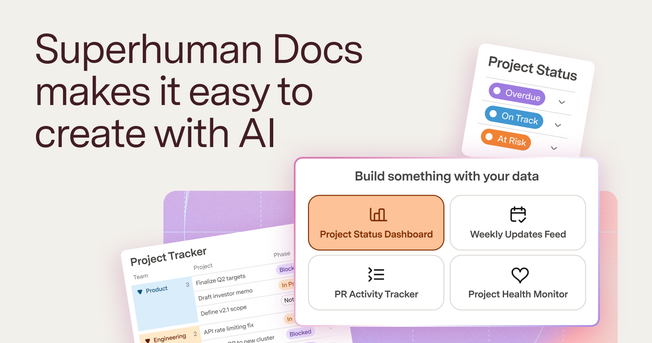
I’ve been building productivity software for over 20 years, and creating AI views for the new Superhuman Docs has been the most fun I've ever had. The best shorthand I have for it is “a vibe coding tool for teamwork.”
It transforms the flat, boring data your team already has into whatever you can imagine. A table of dinner guests becomes an interactive drag-and-drop seating chart. A list of priorities becomes a multiplayer voting game in which everyone gets $100 to spend, and the bills fly across the screen as your team votes.
We’re currently testing AI views in private beta. Join the waitlist if you’d like to be one of the first to try it.
An overview of AI views, a vibe coding tool for teamwork
The idea for this feature came about when we tried building AI tools for our team. We wanted something that, on the surface, seems straightforward: robust, interactive apps that could easily connect to our team’s data. We quickly discovered that it was very hard to get both.
Powerful vibe coding platforms can build full apps, but they require technical chops to connect to live team data. Similarly, the tools where our team’s work already lives—AI chat, documents, and SaaS apps—can generate static artifacts and HTML blocks, but they’re mostly point-in-time snapshots rather than collaborative apps. AI views bring the best of both worlds. It lets you create powerful, full-fledged apps that connect to your team’s work, right in the collaborative doc you already use.
Getting here wasn’t easy. To build a vibe coding tool specifically for teamwork, we had to solve the four biggest problems with existing vibe coding tools.
1. Connected to your live data and work
Most vibe-coded internal apps never go multiplayer because connecting to your team’s live, shared data across docs and SaaS tools is hard. Most knowledge workers won’t even attempt it.
AI views solve this by staying directly connected to a Superhuman Docs table. The sync is two-way: Drag a guest to a new seat, and the table updates. Or add a new guest to the table, and they are instantly waiting in the unassigned queue in the AI view.
Turn a table into a drag-and-drop seating chart with AI Views
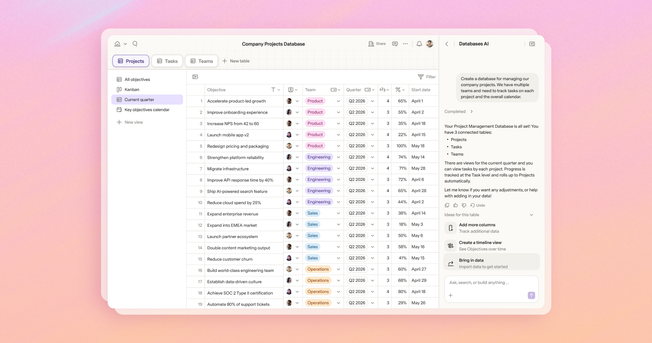
That connection also means one table can power many views. A bugs table can be a triage board, a swipe-to-prioritize tool, and a leaderboard, all reading from and writing back to the same source. And because AI views are built on Docs’ integration layer, the data doesn’t have to start in Docs. Sync data from Jira, Asana, or Salesforce and build your team a custom UX for all their SaaS tools.
2. AI native by default
One of my favorite parts of AI views is that you don’t use AI only to build an interface—you can use AI to do work for you inside the interface once it’s been created.
First, there’s no setup required. AI is natively built in. You don’t have to sign up for API keys, set up .env files, or worry about terminal configs. It just works out of the box.
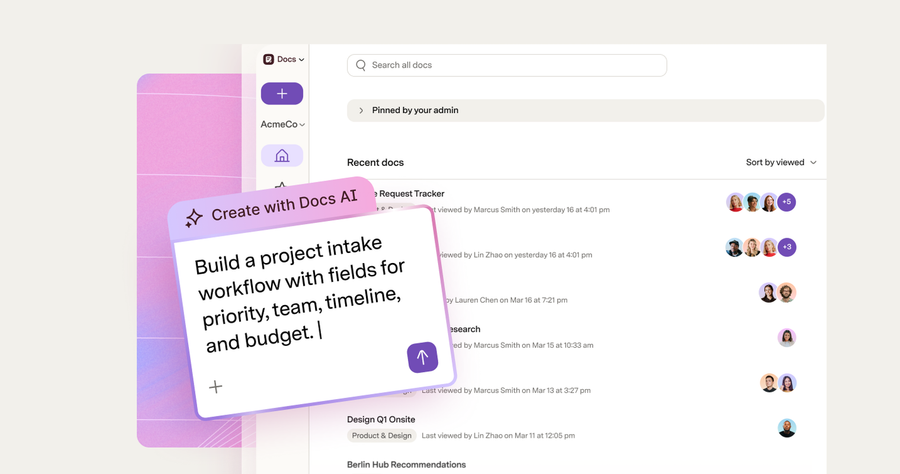
Second, you can use AI within your app. Ask AI to automatically triage your bugs as they roll in. Build an AI chatbot for your team’s meeting notes. Create a button that assigns seating for dinner guests based on free-form notes.
Add a button that uses AI to automatically assign seats based on raw notes
Finally, AI design principles are built in. For example, the built-in AI knows when to give you an explicit button to trigger something versus when to just quietly enrich things in the background. It uses tables to cache results, so you don’t need to regenerate them from scratch every time you load the page. It creates great AI-native software almost automatically.
3. Built for collaboration, and lives right where your team already works
An AI view isn’t a solo tool. When a teammate changes the data, everyone else sees it instantly. A view also knows who’s logged in, so the same table can power a “My tasks” view for each person and an “All tasks” view for the team. You can assign work, vote, and collaborate inside a view just like anywhere else in Superhuman Docs.
A multiplayer $100 voting game captures everyone's true view of priorities
Because AI views are built on tables, if someone wants a slightly different view than what you built, they can just ask for it and get their own separate view of the same underlying data. No more stale copies.
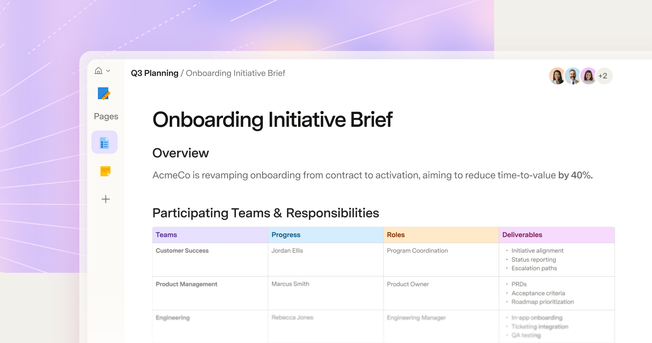
And it all lives inside a doc. An AI view sits on the same surface as everything your team writes and reads, so interactive tools show up next to the thinking that explains them. Scroll through a single planning proposal and pass a draggable timeline, a filterable wall of user feedback, a roadmap rendered as mountain terrain, and a working budget calculator—each in line with the words that give it context. The doc stays in the container your team already knows how to share, comment on, and find.
Interactive tools show up next to the text that explains them
4. As easy to share as a doc and just as secure
While it is getting easier and easier to vibe code a cool demo, deploying it and giving it access to enterprise data is another beast entirely.
Most vibe coding platforms are completely open-ended—the agent pulls whatever frameworks and packages it needs from the internet to build your feature and allow apps to connect to any API out there. And because it’s quite difficult to securely deploy and share your vibe-coded apps with just your teammates, we’ve already seen thousands of vibe-coded internal apps unwittingly leak highly sensitive corporate data onto the internet.
Rather than hoping the AI picks safe frameworks and libraries from the internet, we have vetted and handpicked reliable ones. Rather than blindly hoping the AI uses the internet and APIs safely, AI views can access corporate data through our secure Packs platform, which has built-in observability and controls. And rather than having to vibe code secure authentication from scratch, you can give access to specific teammates simply by sharing the doc with them, automatically leveraging Superhuman’s secure authentication infrastructure.
The result: Sharing an AI view is as easy and secure as sharing a doc.
AI views are as easy to share as a Doc and just as secure
Describe it. Build it. Have way too much fun doing it.
That’s AI views: connected to your team’s work, AI-native, collaborative right inside where your team already works, and as easy and secure as sharing a doc. Powerful and safe-to-share have usually felt like opposite ends of a spectrum. Now you don’t have to choose.
I think about it this way: The long tail of things AI is actually useful for is going to get filled in by regular people building clever, specific tools nobody at a company would ever think to build—bottom-up, not top-down. AI views are designed for exactly that. You don’t need a technical background to make it happen. You simply describe what you need.
The phrase we’ve heard most from early testers is, “This is so much fun!” When it’s so easy to build, iterate, and share them with your team, you can’t help but feel the delight of creating whatever your imagination can dream up. We think you’ll have a blast too, and can’t wait to see what your team builds! Join the waitlist.