The Making of Superhuman Docs: How We Rebuilt the AI in Superhuman Docs From the Ground Up

by Bharat Batra, Senior Product Manager
The evolution from Coda to Superhuman Docs gave us the opportunity to completely reimagine Docs’ native AI from the ground up. I think about AI the way I think about a foundation. If it’s shaky, it doesn’t matter how great what’s built on top is. The house comes down.
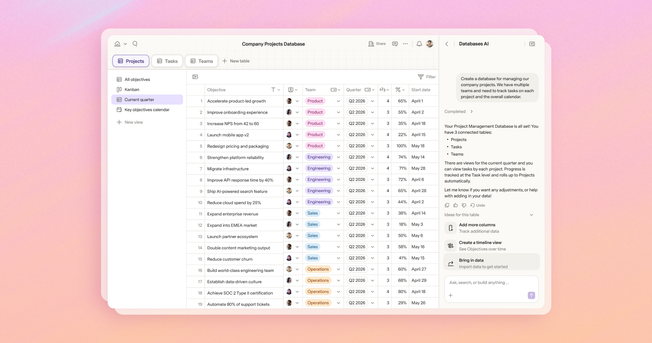
When Coda AI launched in 2023, it showed us a glimpse of what’s possible when you put AI right inside your work. You could summarize pages instantly and create repeatable workflows inside tables. It was an early step toward a larger vision, and there was more we wanted it to do. We wanted AI that could read your tables even when they weren't on the screen. We wanted it to edit page and table content directly, so you wouldn't have to copy and paste from the chat. We wanted it to understand Coda's building blocks.
So we decided to start over from scratch, beginning with the MCP. The API was purpose-built for people to use, but the MCP served a different set of needs specific to agents. Instead of wrapping the API in an MCP server, we built the MCP with a lens focused on “agent ergonomics.”
This focus enabled us to create a new foundation to build upon—one that is permission-aware, fast, and agent-first. We rebuilt the MCP to work with full Markdown pages instead of dozens of separate API calls, so an agent can go from a file on your computer to a finished doc in one motion. Every tool returns a Docs URI, so an agent can move to the next task without stopping to look anything up. And we made it synchronous, so one action means one request, not several round trips. All these changes resulted in faster speed and lower token costs for users.
AI that understands your data, your permissions, and your team
The AI in Superhuman Docs understands tables, formulas, and permissions the way you do, not just the text on the page. It can see and act on your data in one place. And because it respects your permissions, it will never surface something you shouldn’t see. That’s why building something in Docs that used to take hours and required know-how now takes minutes.
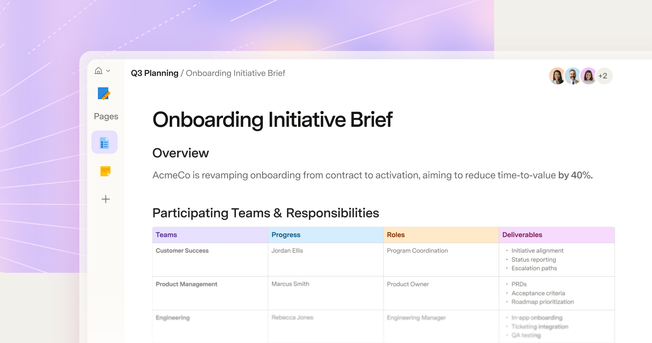
Here’s what that looks like in practice. I’m a product manager, so I run a lot of meetings. I nerd out on making them run smoothly with a template—the kind of structure in Docs that codifies the rituals of your team. For my weekly standup, I ask everyone to put their updates in a table: a row per person, organized by project. But that’s data across 15 people and five projects, and it’s too much for leadership to have to parse.
So here’s what I do: I have the AI read through all those updates, create tasks for anything that doesn’t already have one, add a comment looping in the task owner, and generate a weekly summary for leadership. What it’s really doing is taking this middle-layer view and expanding it in both directions: high-level altitude for leadership and task-level altitude for actually working, all in one go.
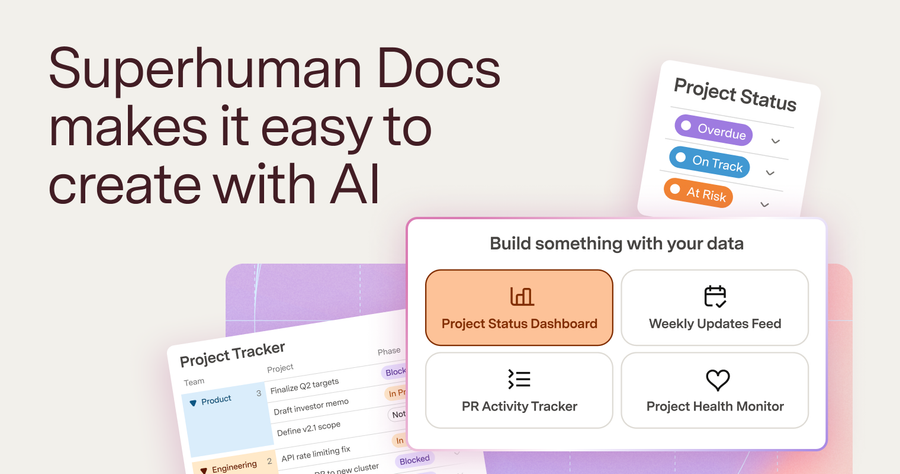
That's just one workflow. During the beta, we saw customers find creative uses of Docs AI we hadn't imagined. Some point the AI assistant at their data and ask it to group, chart, and build a summary with formulas that update automatically, creating an entire dashboard with a single prompt. Others start with web research, pull from docs across their workspace, and draft a full article without leaving the doc.
We used the new AI to build the new AI
We’ve been using our AI to build our AI throughout this whole process. It’s the clearest proof of what it can actually do.
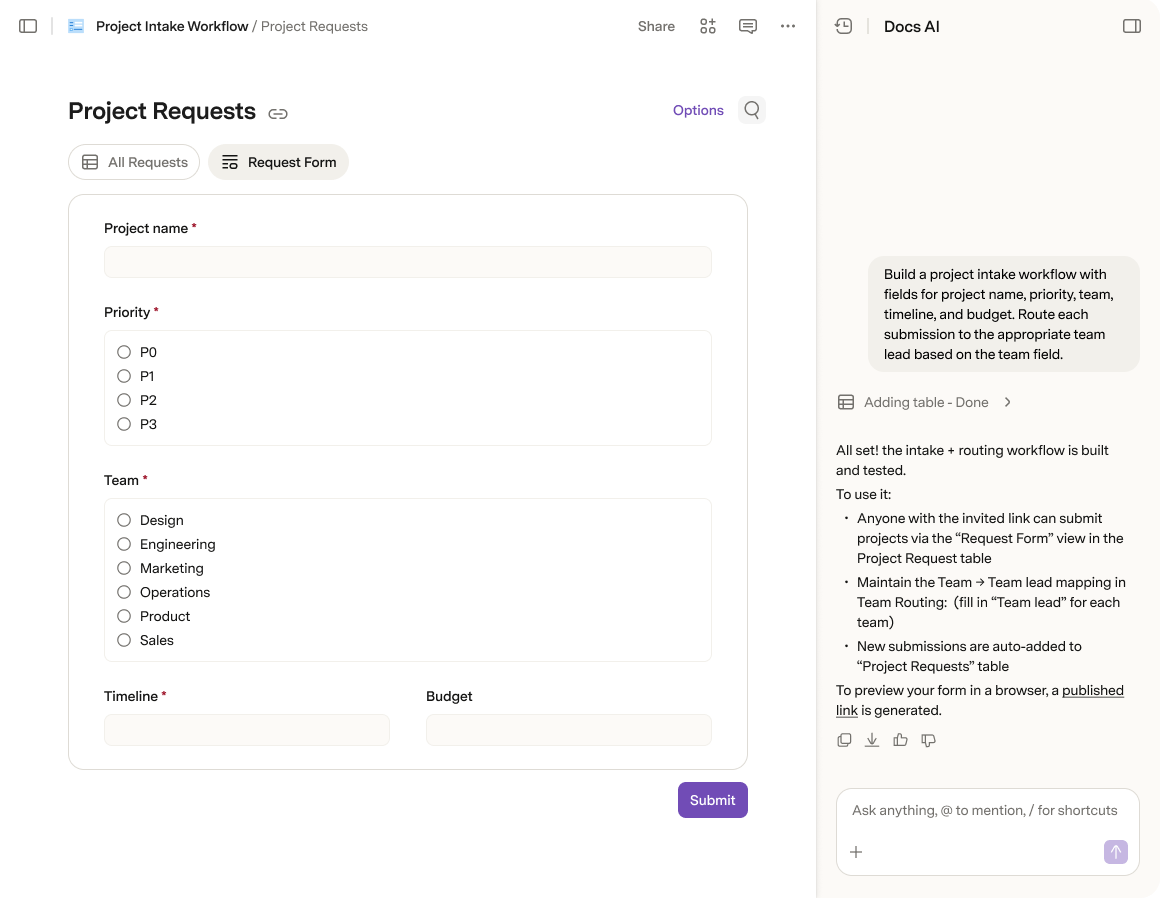
When we launched the MCP, we created a waitlist to understand what capabilities people wanted and what tools they wanted to use it with. The whole intake—the form, the structure, everything—I set up with AI. Creating a form can be painful, but I did it in one prompt. From there, the AI analyzed everything for me. I could see almost instantly who was signing up and what they hoped to use the MCP for, without waiting for free cycles from the data science team.
I also use AI to maintain the MCP’s changelog, so users know which new capabilities are available. It reads the old version, compares it to its internal knowledge, checks GitHub for the code we’ve pushed, and proposes a changelog based on that.
It’s not just process work, either. One of my favorite things the AI does is add that last 10% of polish—the callouts, icons, and cover images that make a doc really shine. I made a customer meeting tracker once, and it added an image of two customers high-fiving across a table. It’s a small thing, but it makes Docs so much more delightful to collaborate on with your team.
Making shared AI something your whole team can trust
Unlike a chat window or a file on your computer, Docs is built for collaboration. The moment the AI adds something to a shared doc, your whole team can see it. That's powerful, but it raises the stakes. When agents can create content at scale, returning control to the user matters more than ever.
It’s not enough to just get the output right. You need real control over what the AI does along the way. That’s why we built in the ability to undo what the AI does, just like you would with your own edit. In a place where people and AI are working side by side, control matters as much as the output itself.
And we’re building toward more: version history that shows what the agent did versus what you did, so if something goes wrong (e.g., an agent accidentally deletes something it shouldn’t have), you can see exactly what happened and fix it.
If you’re new to Superhuman Docs, this is what that adds up to: a tool that lets you build whatever you can describe, in a shareable setting designed for teams, with permissions and enterprise security built in from the start.
And if you’ve been using Coda for years, I hope you feel the difference the moment you try the AI.