Go 1.0: Custom, Proactive Agents Everywhere You Write

Every week, we see new headlines about the advancements of AI. New models, new benchmark scores, new feats of days-long reasoning.
What models can do is astounding, but how they fit into our real work is still far from figured out.
Most of us still experience AI as a chat we pull up on the side. We stop what we’re doing, switch apps, explain the context, wait for an answer, and then copy/paste. In other words, we’re bringing our work to AI, when ideally AI should come to us. It should show up right in the flow of work and offer to help automatically.
That’s the idea behind Superhuman Go, which we announced back in October. You can start using Go the same way you use Grammarly. You type, and agents underline with suggestions.
Sometimes those suggestions are small. Like the usual grammar fixes or a factual correction. But all those little assists add up, and when they do, you start to trust it with bigger, more interesting tasks like drafting an email or updating a doc. That’s the beauty of AI that works proactively. What starts as a simple sentence fix can become a powerful workflow.
For example, if you work in sales, you know how time-consuming it is to log the details of every customer call in Salesforce. Imagine with Go, each time you’re writing up your notes after a call, it sees what you’re doing and offers helpful corrections based on your call transcript. Maybe one day you let Go take the first stab. You review, tweak. Go pays attention to your feedback, and the summaries get progressively better. Eventually, you might say, just write the call log for me from now on.
That’s what good AI collaboration looks like. Agents should show up in our work, offer suggestions proactively, and get more helpful over time.
This has been the vision for Go all along, but a few key pieces have been missing to make it real. With today’s launch, we have the full system in place. Now, you can experience proactive AI for yourself.
What’s launching
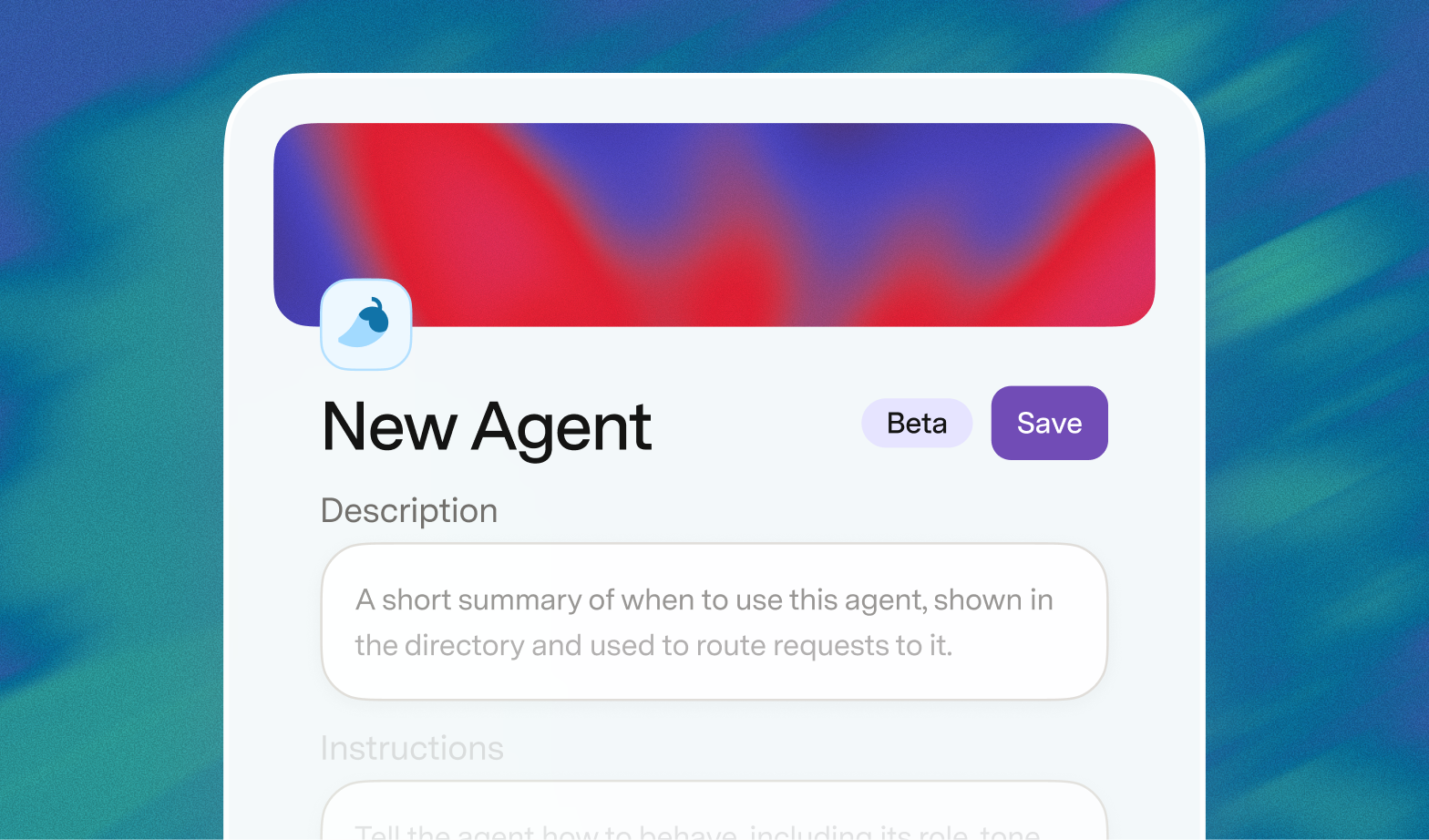
Build your own agents
Anyone can build custom agents that show up everywhere. Decide the trigger that makes your agent run—a schedule, an event, or just anytime you start typing—and what apps it should pull data from (including our newest connectors). You can use our easy no-code agent builder, or just ask Go to spin up an agent for you.
New pre-built agents
We’re also launching a set of “starting agents” to help you build your agent team and get a sense of what it’s like when AI works where you do. Here are two that I’m particularly excited about:
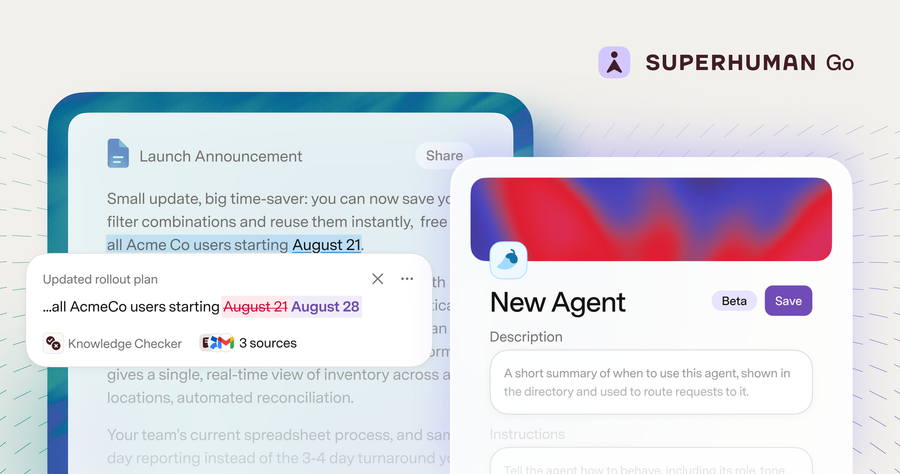
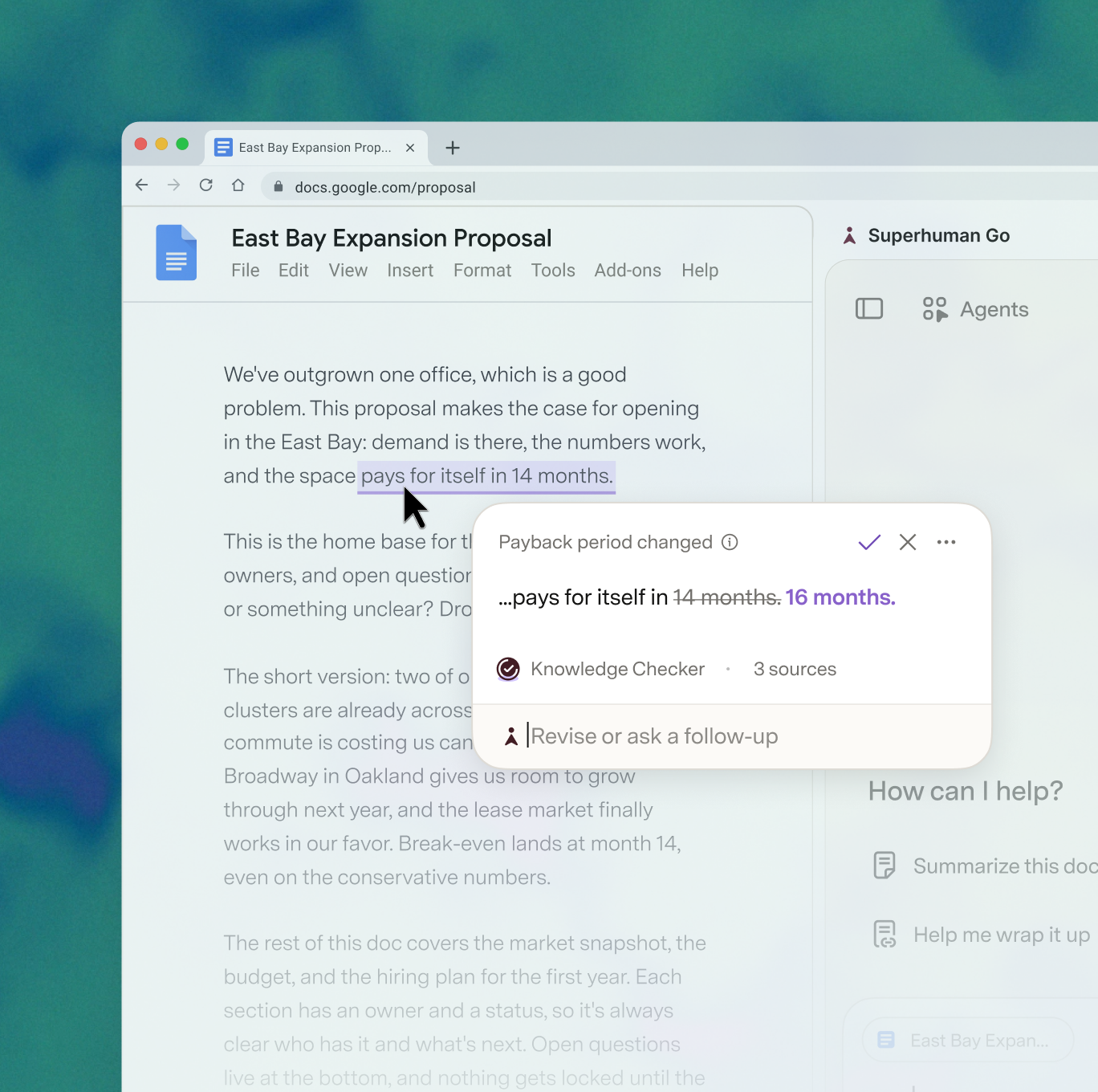
- Knowledge Checker: A subtly powerful agent that can automatically verify your claims against company data, then fix them inline. It can catch compliance errors, fix dates, and double-check stats.
- Email Assistant: Built by the team at Superhuman Mail to bring expert-level email organization to your Gmail or Outlook inbox. It auto-sorts incoming mail, clears out clutter, and auto-drafts replies in your voice and with your context.
We’ve also got an updated Grammarly agent that adapts to your writing preferences. Plus an AI Detector agent to warn you when you’re sounding robotic, and an AI Rewriter agent to help you clean it up. Or even agents to brief you every morning, help you prep for your 1:1s, and build reports for you. All available in the Superhuman Agent Store.
New Go surfaces
We’ve got a new home base to tie everything together, and a few new ways for Go to show up in your work and keep you in your flow.
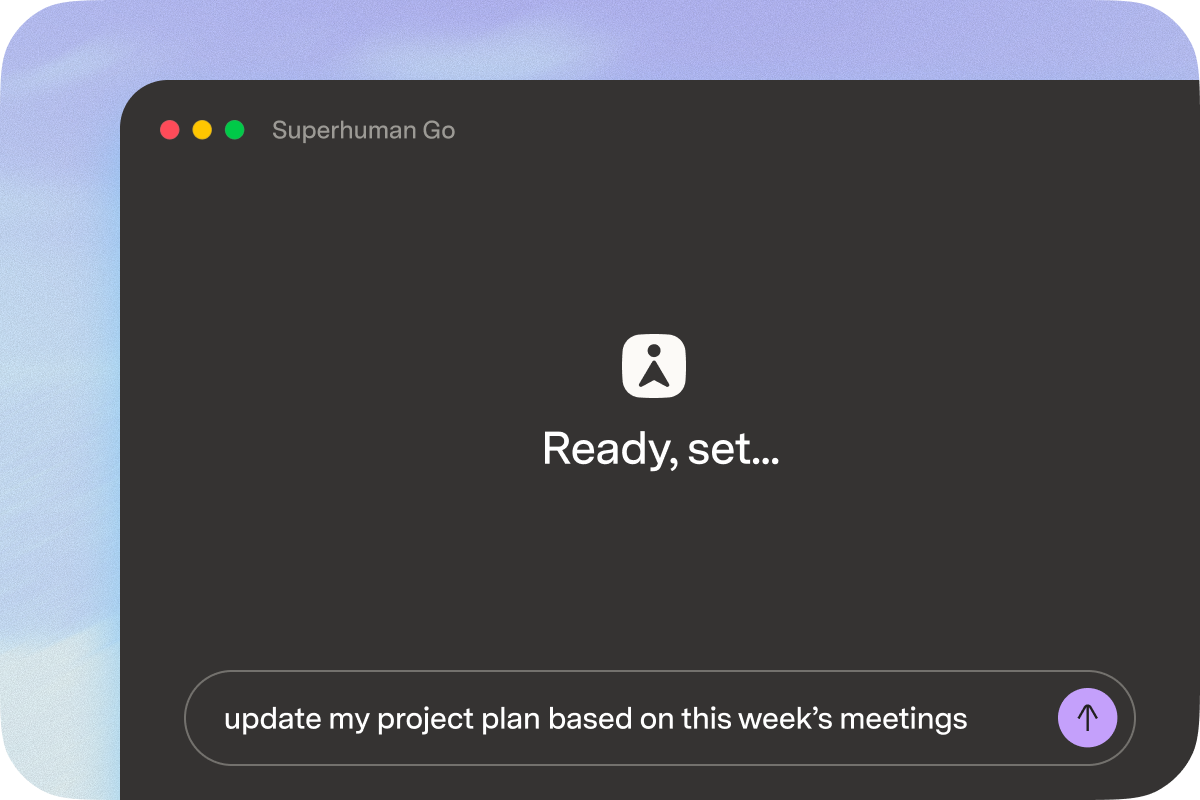
- The Go app (available for Mac, Windows, and iOS). Our new dedicated app allows Go to extend beyond the browser into your stand-alone apps. But more importantly, it’s a home base. A place to kick off tasks, manage your agents, and see everything Go does for you.
- Go online: You can also now access Go online at go.superhuman.com.
- Go at your cursor: The easiest way to ask Go for help. Highlight any text, and Go will cue a list of suggested actions from your agents. Summarize a long doc, rewrite a tricky sentence, explain dense text, or translate something on the fly.
- Slack: Have Go monitor a Slack channel and respond to requests automatically. Or at-mention Go directly to hand off tasks or get a quick answer.
A more capable Go, personalized to your needs
Go now uses more advanced models, runs in the background, asks clarifying questions, explains its thought process, searches the web, and can even generate shareable docs for you. It also learns your preferences and adapts to them over time.
Pricing and access
While the new app and more capable chat are available to all users, certain new functionality is only available to users on paid plans. To connect your work apps and create custom agents, you will need to be on a paid plan (Pro, Business, or Enterprise). With these paid plans, you also get access to more of the Superhuman suite, including the new Email Assistant and some access to Docs (limits vary by plan type; see the pricing page for more details), so you can bring email, docs, and more into the same AI workflow. And because it’s possible to create agents that run frequent or complex workflows, we’re launching with soft usage limits in place. Over time, we expect to roll out usage-based pricing that lets power users exceed those limits while keeping pricing fair and aligned with the value agents create. We’ll provide clear notice and visibility into usage before any new pricing changes roll out.
We’re really excited about this launch. But we also know we’re still in the early days of truly delivering on our vision for proactive AI. We’re already moving fast on the next wave of features that will make your agents even better. In the meantime, try it out. Build agents. Tell us what it’s like when AI helps you everywhere you work.